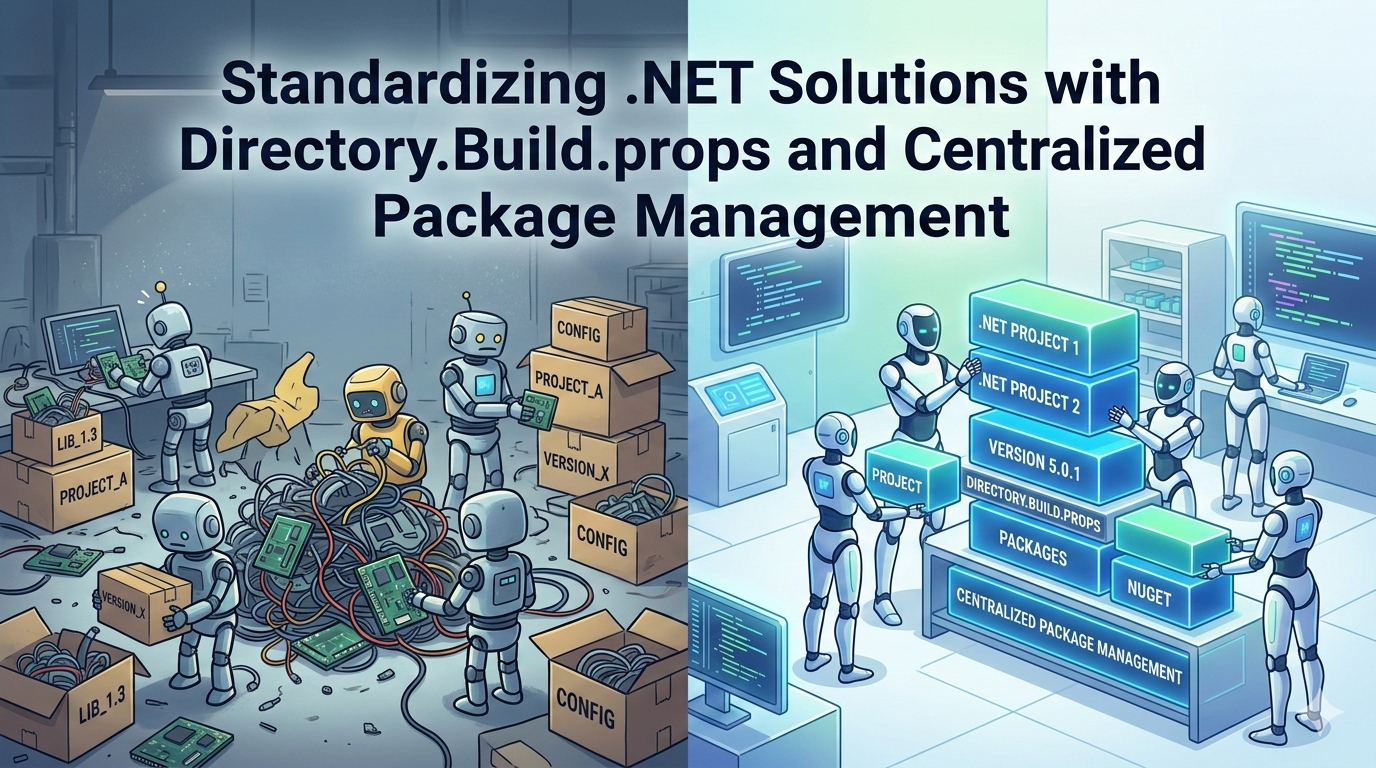
As .NET solutions grow from a few projects to dozens, maintaining consistency becomes harder than writing code.
Different target frameworks. Different package versions. Different analyzer settings.
Over time, this creates technical drift.
Two built-in .NET features help you prevent that:
Directory.Build.propsDirectory.Packages.props(Centralized Package Management)
Used together, they give you control, consistency, and long-term maintainability.
Why This Matters in Real Projects
In large solutions:
- Developers copy settings between projects
- Package versions slowly drift
- Some projects enable nullable, others don’t
- Build warnings are treated differently
As a developer, your goal is not just to ship features — it’s to reduce chaos.
These two files help you enforce standards at the solution level.
1. Directory.Build.props – Centralizing Build Standards
Place a file named Directory.Build.props at the root of your solution.
MyProject.sln
Directory.Build.props
/src
  Api/
  Application/
  Domain/
  Infrastructure/
  Tests/
This file automatically applies settings to every project inside the folder.
Example: Enforcing .NET Version
<Project>
  <PropertyGroup>
    <TargetFramework>net8.0</TargetFramework>
  </PropertyGroup>
</Project>
Now all projects use the same framework.
Example: Enforcing Modern C# Standards
<PropertyGroup>
  <Nullable>enable</Nullable>
  <ImplicitUsings>enable</ImplicitUsings>
  <LangVersion>latest</LangVersion>
</PropertyGroup>
This prevents inconsistent language behavior across projects.
Example: Enforcing Code Quality
<PropertyGroup>
  <TreatWarningsAsErrors>true</TreatWarningsAsErrors>
  <AnalysisLevel>latest</AnalysisLevel>
</PropertyGroup>
Now your build itself enforces discipline.
2. Centralized Package Management – Controlling Dependencies
Instead of defining package versions in every .csproj, define them once.
Create a file called Directory.Packages.props at the solution root.
<Project>
  <PropertyGroup>
    <ManagePackageVersionsCentrally>true</ManagePackageVersionsCentrally>
  </PropertyGroup>

  <ItemGroup>
    <PackageVersion Include="Serilog" Version="3.1.0" />
    <PackageVersion Include="MediatR" Version="12.2.0" />
    <PackageVersion Include="Microsoft.EntityFrameworkCore" Version="8.0.2" />
  </ItemGroup>
</Project>
Then inside each project just add the package reference without the version.
<ItemGroup>
  <PackageReference Include="Serilog" />
  <PackageReference Include="MediatR" />
</ItemGroup>
Why Every .NET Teams Should Adopt This
1. One Source of Truth
Updating a package version happens in one place.
2. Cleaner Pull Requests
Version updates are clear and controlled.
3. Reduced Dependency Conflicts
No more mismatched package versions between projects.
4. Better Security Governance
Security reviews become easier because all dependencies are centralized.
Recommended Project Structure
MyProject.sln
Directory.Build.props
Directory.Packages.props
/src
  Api/
  Application/
  Domain/
  Infrastructure/
  Tests/
Directory.Build.propscontrols build behavior and standardsDirectory.Packages.propscontrols dependency versions
Together, they create a predictable and maintainable solution.
Final Thoughts
As systems scale, engineering maturity is about reducing complexity.
Directory.Build.props and Directory.Packages.props are simple tools — but they create powerful governance.
If your solution has more than 5–10 projects, this should not be optional. It should be your baseline standard. They are organizational alignment tools for serious .NET teams.